How to Safely Operate TikTok Accounts — The Ultimate Risk Control Guide

Running multiple TikTok accounts for marketing but keep getting limited reach or bans?
This article, based on real-world testing and TikMatrix automation experience, explains how TikTok’s risk control actually works — and how to operate safely and efficiently at scale.
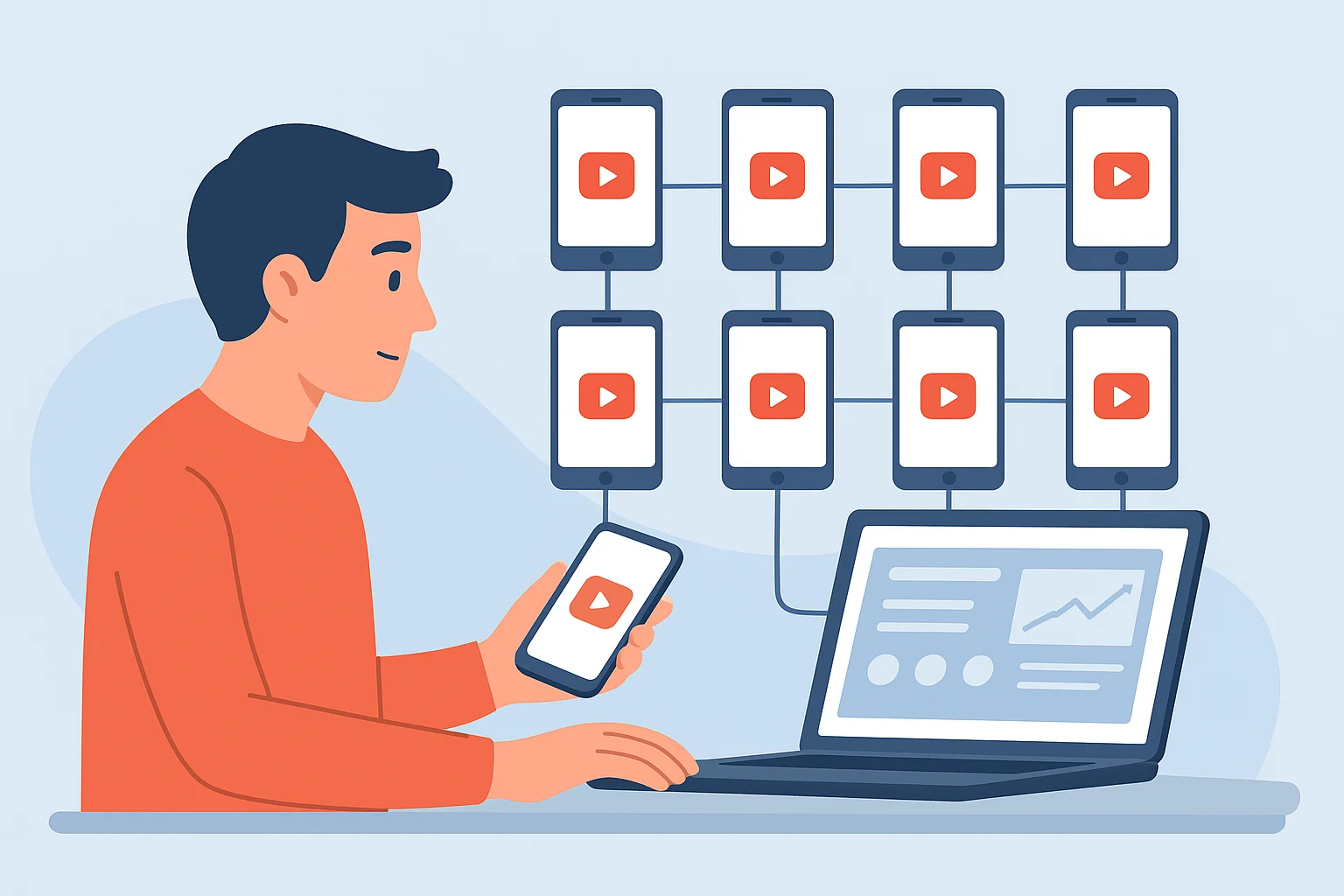
🧠 1. Understanding TikTok’s Risk Control System
Many marketers think TikTok bans or limits accounts randomly —
but behind the scenes, it’s all algorithm and data-driven.
TikTok’s risk control system monitors across multiple dimensions:
- Device fingerprint (hardware identity)
- Network environment (IP, proxy, VPN)
- Account behavior (registration, login, posting frequency)
- Content quality (originality, engagement rate)
These elements combine into a dynamic detection model.
Changing just one factor (like IP or device) won’t bypass the system.
TikMatrix testing confirms: TikTok’s detection is multi-layered —
stable operation requires coordination between device, network, and behavior.
📱 2. Device Choice — Why “Factory Reset” or “Flashing ROM” Doesn’t Work
Some believe that reinstalling or flashing Android firmware makes a device “new.”
In reality, TikTok generates a unique device ID based on hardware data.
Resetting or flashing doesn’t change that ID.
TikMatrix recommends:
- ✅ Use physical Android devices only (no emulators or virtual phones)
- ⚠️ Avoid second-hand devices used for TikTok before
- ⚠️ Avoid inserting SIM cards that expose your real region (referring to countries and regions prohibited by TikTok)
Even with proxies, device-level identity still matters.
Our tests show that using “dirty devices” under the same IP increases ban risk up to 5x.
🌐 3. Network Environment & IP Selection
TikTok precisely identifies network origins — it can detect if you use a proxy, VPN, or datacenter IP.
| Type | Description | Risk Level |
|---|---|---|
| Residential IP | From real household ISP | ✅ Safest |
| Datacenter IP | From VPS or hosting provider | ⚠️ Medium |
| Low-cost VPS | Dedicated, but may come from flagged ranges | ⚠️ Some risk |
| Shared VPN | Shared among many users | ❌ Very high risk |
TikMatrix recommends:
- Use clean, dedicated IPs (residential or VPS)
- Avoid shared VPNs or “rotating proxy” services
- Verify your IP reputation before using it for account creation
Even though low-cost VPS servers are technically “dedicated,”
they often belong to ranges overused by automation or abuse —
TikTok’s algorithm can flag such IP segments easily.
⚙️ 4. Environment Configuration Before Registration
Before creating any TikTok account, make sure to prepare the environment correctly:
- Turn off location services
- Change system region and language (e.g., United States & English)
- Remove local-language input methods and domestic apps
- Download TikTok and proxy apps using an external account
- Verify IP location via ip.cn or similar tools
TikMatrix does not automate these steps —
each device environment should be manually prepared to ensure full isolation and authenticity.
🧩 5. Account Registration & Operation Rules
TikMatrix testing shows the following best practices:
- Use email registration (phone-based registration needs local numbers)
- Wait at least 24 hours between new account registrations on the same device
- After registration, spend the first day just browsing, liking, and commenting
- Start posting gradually after the second day
Avoid “mass registration” or synchronized behavior across accounts —
TikTok’s system easily identifies non-human patterns.
📊 6. Content Experiments & Traffic Observations
| Day | Action | Views |
|---|---|---|
| 1 | Register & browse videos | — |
| 3 | First post (cat video remix) | 897 |
| 4 | Second remix video | 300+ |
| 5 | Reposted same video, new title | Lower reach |
| 6 | Cropped short clip from other video | 475 |
| 8 | Multi-source edit video | 333 |
| 9 | Higher-quality remix | 800+ |
Findings:
- Low-quality reposts stop gaining traction fast
- TikTok rewards engagement, retention, and originality
- Once an account is stable, content quality becomes the key growth factor
In TikMatrix automation, we see the same trend —
Good behavior keeps accounts alive; good content makes them grow.
🔒 7. Risk Control Checklist
| Category | Recommendation |
|---|---|
| Device | Use only physical Android devices |
| Network | Prefer residential IPs or clean dedicated VPS |
| Registration | Maintain human-like timing, no batch creation |
| Content | Focus on originality and engagement |
| Tools | Avoid public VPNs or emulators |
⚡ 8. Why Marketers Choose TikMatrix
TikMatrix is a professional TikTok marketing automation tool,
built for creators, agencies, and marketing teams who manage multiple devices and accounts.
💡 Key Advantages
-
🤖 AI Smart Comments
Integrated with ChatGPT API to auto-generate contextual, natural comments. -
🎲 Script Parameter Randomization
Every task uses dynamic parameters to avoid pattern detection. -
⏰ Scheduled Tasks
Enable fully automated operations — run campaigns 24/7 without manual effort. -
👆 Human-like Touch Simulation
Randomized tap positions replicate natural human gestures. -
🌀 Realistic Swipe Trajectories
Emulates human right-hand curved swipes to reduce behavioral detection. -
⌨️ Progressive Typing Simulation
Text input mimics real human typing speed and rhythm.
🏁 Conclusion
There’s no magic behind TikTok’s algorithm — only data and logic.
To build lasting marketing impact, your operation must look authentic from every angle.
TikMatrix empowers global marketers to manage TikTok at scale
with automation that feels human, compliant, and efficient.
This article is based on real-world testing and insights from the TikMatrix engineering team.